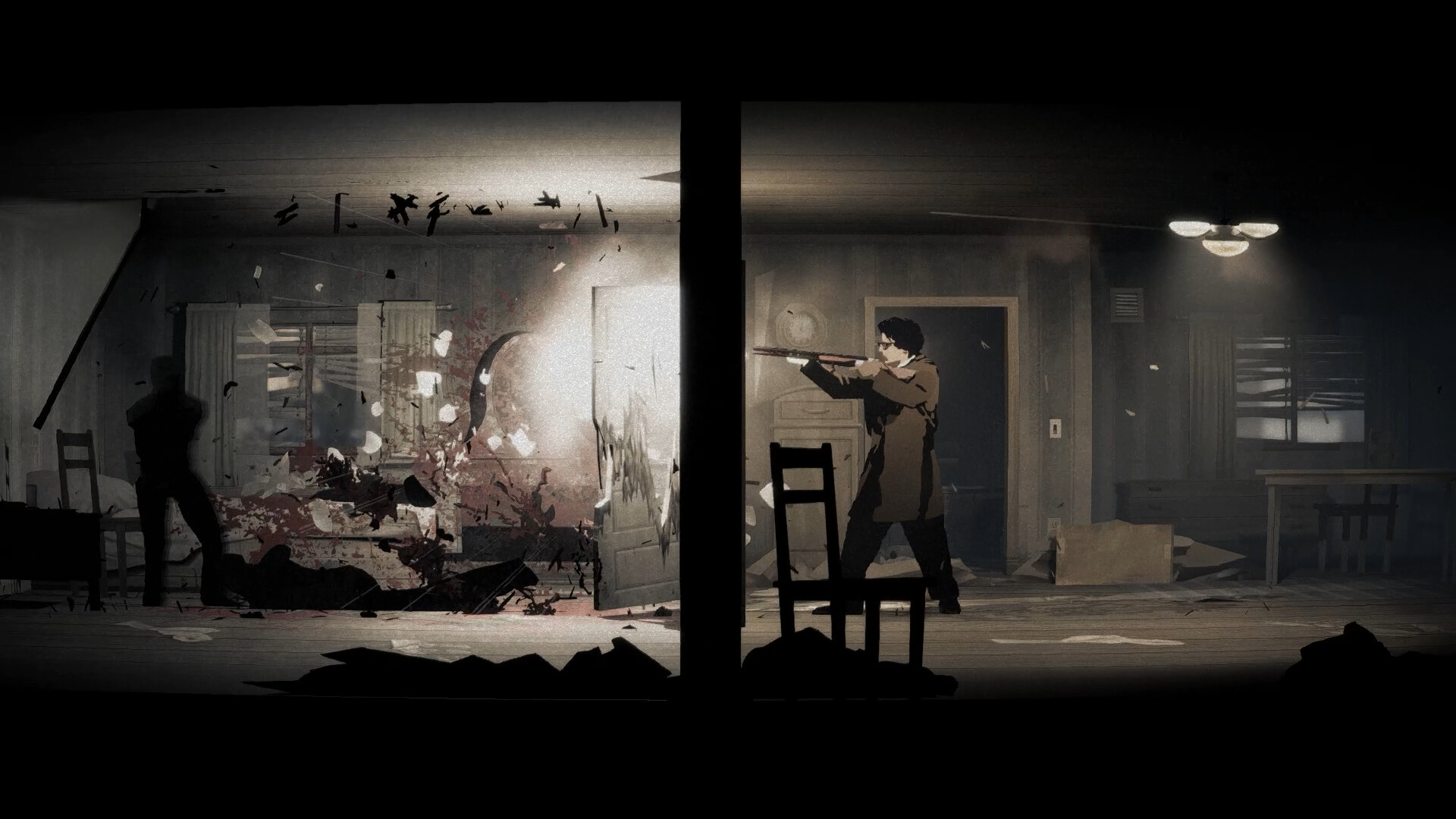
Start with Survival Horror for the intended balance
Yes, you can change difficulty at any time in Options, including switching to or from Nightmare during an existing save. Choose Survival Horror for the intended balance, or Relaxed if exploration and story are your priorities.
Tense is worth considering if you want more forgiving enemies and resource management, while Nightmare suits players seeking harder, more frequent encounters and heavily restricted supplies. Treat your starting choice as a way to find an enjoyable level of pressure. If you are pursuing a particular game modifier, check its difficulty requirement before planning that run.
What each difficulty offers
The useful distinction is how much combat and supply pressure you want while exploring. Silver Pines combines tense fights, puzzles and scarce resources. Match your starting mode to the parts of that experience you want to spend the most attention on.
| Difficulty | Experience and recommendation |
|---|---|
| Relaxed | Easier, less frequent fights and plentiful supplies. Choose this when following the story and exploring the town matter most to you. It is a sensible fit if demanding encounters would interrupt the experience you want. |
| Tense | More forgiving enemies and resource management. Consider this if you want some survival pressure but prefer a gentler starting point than Survival Horror. Try it when you are unsure how demanding you want your first run to feel. |
| Survival Horror | The intended experience, with exploration central to survival. Start here if you want the intended balance and enjoy searching carefully. Give yourself room to learn the town rather than judging your choice from a frustrating encounter alone. |
| Nightmare | Harder and more frequent enemies, with greatly restricted resources. Pick this when those pressures are the challenge you want. Consider whether learning unfamiliar routes under that pressure sounds enjoyable before making it your starting choice. |
How to change difficulty during your save
- Identify what you want to adjust about your experience, such as the pressure of encounters or managing supplies. This gives you a clear reason for choosing another mode.
- Open Options during your existing run. Difficulty can be changed there at any time, so you can adjust the mode while continuing the same save.
- Select Relaxed, Tense, Survival Horror or Nightmare to match the experience you want. Switching into Nightmare or moving away from it is allowed during an existing run.
- Resume playing and assess whether the new balance feels enjoyable. Use your comfort with exploration, fights and supplies to decide whether this is the mode you want to keep.
Give yourself a clear goal when adjusting the setting. If you want to spend more attention on exploration, judge whether the change helps you enjoy searching. If you want a tougher survival experience, judge whether the additional pressure feels rewarding enough to continue.
Check your achievement and modifier goals
The Steam achievement list contains no achievement requiring a named difficulty or an uninterrupted Nightmare run. You therefore do not need to choose Nightmare to satisfy a difficulty requirement on that checklist. Plan around the stated conditions of the achievements you actually want.
Game modifiers have their own unlock conditions, and some explicitly require Survival Horror or Nightmare. Finishing the game can unlock modifiers for your next game. Keep those goals separate when deciding whether a difficulty choice matters to the run you are planning.
- For an achievement-focused playthrough, read each achievement's condition and choose a difficulty you enjoy. Avoid building your plan around an assumed Nightmare requirement.
- For a modifier with a difficulty requirement, choose the required mode before starting and stick with it as a planning precaution. Match the ending and any additional conditions too.
- For your first exploration-focused run, prioritize learning the town at a comfortable pace. Consider saving timed modifier attempts for a later playthrough, after you know your route.
Difficulty requirements for game modifiers
These modifiers give you specific reasons to plan a run around a harder difficulty. Read the complete condition before choosing your mode. Where a time limit is part of the requirement, consider learning the route before attempting that unlock.
| Modifier | Unlock requirement |
|---|---|
| Faster Sprint modifier | Achieve the Rest ending in less than 8 hours on Survival Horror difficulty or higher. |
| SMG Loadout modifier | Achieve the Rest ending in 10 hours or less on Survival Horror difficulty or higher. |
| Magnum Loadout modifier | Achieve the Rest ending in 10 hours or less on Nightmare difficulty. |
| Endless Ammo Pack modifier | Achieve any ending on Survival Horror difficulty or higher with 0 Ranged Kills. |
| One Hit Death Challenge modifier | Achieve the Rest ending on Nightmare difficulty to unlock this modifier. |
Use the Silver Pines endings guide when you are ready to plan the ending route behind an unlock. Keep your immediate goal manageable while learning the game. Once exploration and survival feel comfortable, decide whether a dedicated modifier attempt sounds like a challenge you would enjoy.